
Source-linked fact sheet
Confirmed facts only: floor area, rooms, condition, EPC rating, council tax band. Anything missing is flagged, never guessed.
UK editionFor estate agents · Free example
Practise on a fictional property: the fact sheet, the prompt, the resulting description and the checklist that flags any detail without a source.
5 quick questions · One complete worked example · No card needed
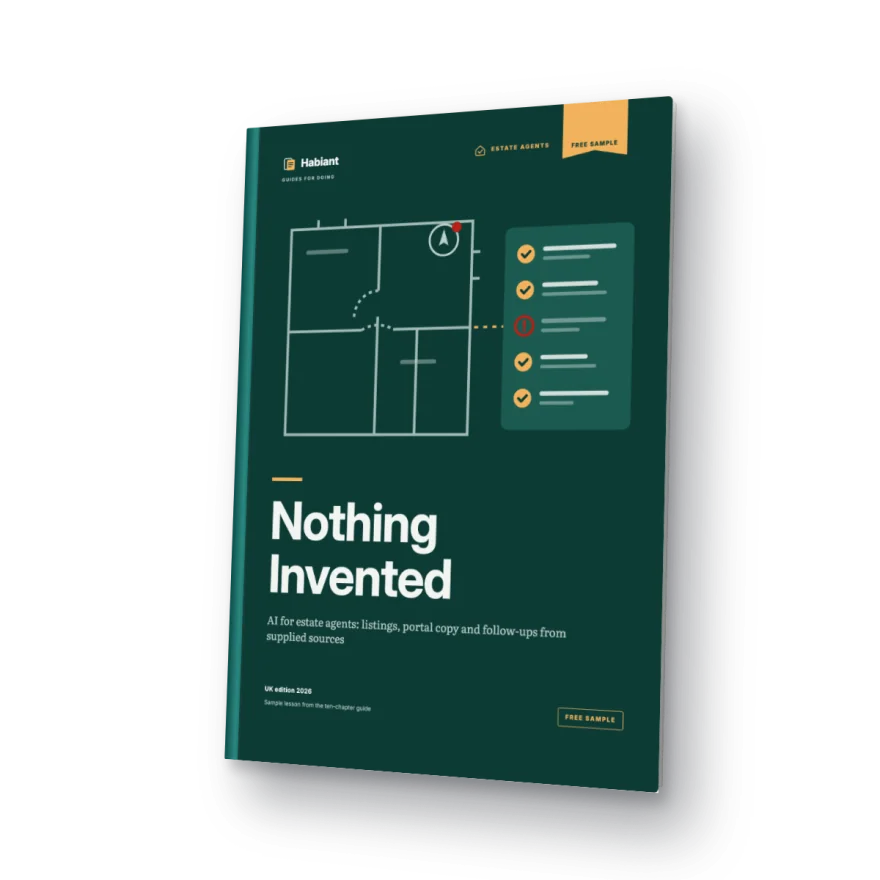
Every sentence tied to a record
“Private parking included” removed
See the method work
The worked example from the free sample, step by step: sort the evidence, prompt with recorded facts only, catch three tempting inventions and keep every gap visible.
Silent animated illustration of the free sample’s worked example. Fictional property; no real product, vendor, buyer or tool is shown.
A process you can check
Confirmed facts only: floor area, rooms, condition, EPC rating, council tax band. Anything missing is flagged, never guessed.
Portal description, social post and follow-up message, all from the same fact sheet.
A checklist catches unsourced details and claims you can't stand behind. Nothing goes out without your sign-off.
The risk nobody mentions
When a fact is missing, AI fills the gap: floor area, aspect, refurbishments, extras. One wrong detail costs you the trust of the buyer and the vendor, and material information has to be right.
'Deceptively spacious, stylish and close to everything', on repeat. Without a process, AI recycles the clichés buyers already skim past on every portal.
Between viewings, calls and admin, the message after a viewing and the update to your vendor go out late, or not at all.
Inside the example
Read it straight away in your browser and download your personal PDF.
Start with the free exampleWho it's for
Editorial approach
The examples use fictional inputs and illustrative outputs. Internal editorial and technical checks cover the source consistency and PDF files. No external professional endorsement, documented beginner trial or live AI-product test is claimed.
Use one approved text assistant and the fictional input. No previous AI experience is required; a laptop makes side-by-side checking easier.
How it works
Your role and where AI would help. They're multiple choice; the only text question is optional.
The full example opens in your browser as soon as you submit the questions.
Confirm your email with a code and download your copy, with your name and email on every page.
And after that
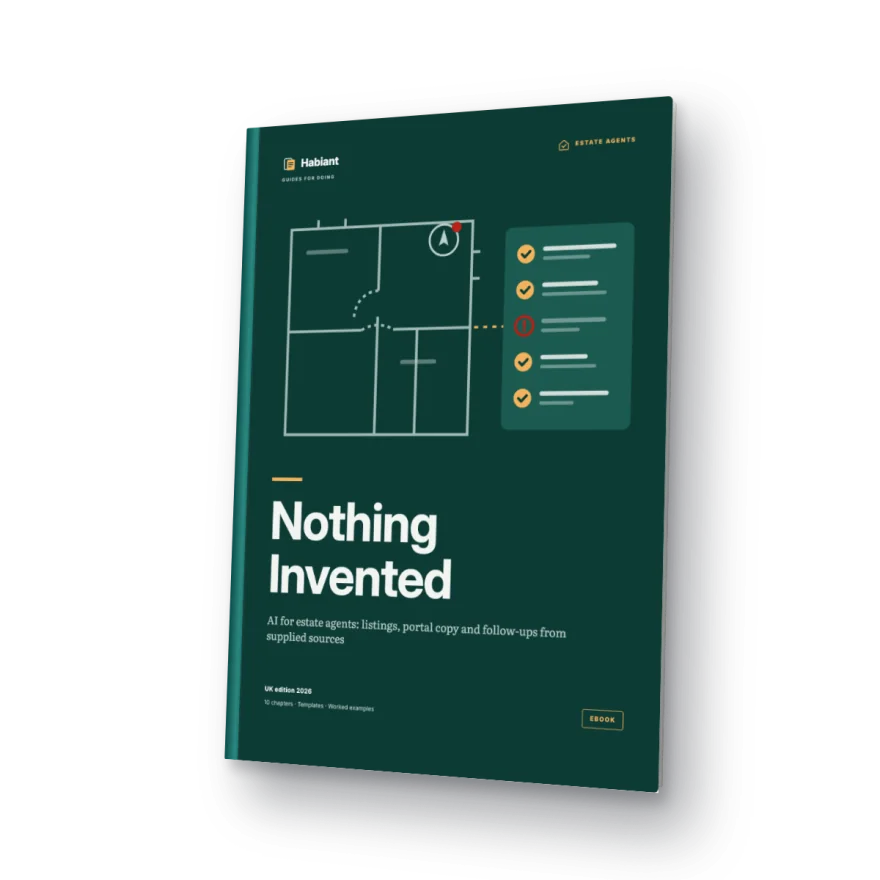
The ebook covers the foundations (platforms, context, skills and agents) plus four property applications: fact sheet and listing; portals, social media and translation; viewing follow-ups and vendor updates; and one complete property from start to finish. Planned price: £35 inc. VAT. Not on sale yet.
Before you start
Yes. Answer the questions, read the full example and, if you confirm your email, download your personal PDF. We don't ask for a card.
So we know who's asking and what they need, and can improve the material. They're multiple choice and the only text question is optional. You get the same example whatever you answer.
Only if you tick the optional marketing box, which starts unticked. You can unsubscribe at any time. Your access to the example doesn't depend on it.
The downloadable copy shows your name and verified email on every page. You'll confirm those details before it's generated.
Yes, because the method starts from your own fact sheet: flats, houses or commercial units. The examples use British property terms and portals.
Practise with the fictional fact sheet first. The example explains which details you should never paste into an AI assistant, such as vendors' or buyers' personal data.
It isn't available to buy yet. You can preview it and register your interest from your library, with no obligation.
Your next step
Tell us your role and where AI would help. Then read the example and verify your email to download your personal copy.
We're finishing the review of this example with practising agents. The questions will open here as soon as it's ready.
The download carries your name and email on every page.
Free worked example5 quick questions · No card needed
Get it free