
Source-linked fact sheet
Confirmed facts only: floor area, rooms, condition, EPC rating, council tax band. Anything missing is flagged, never guessed.
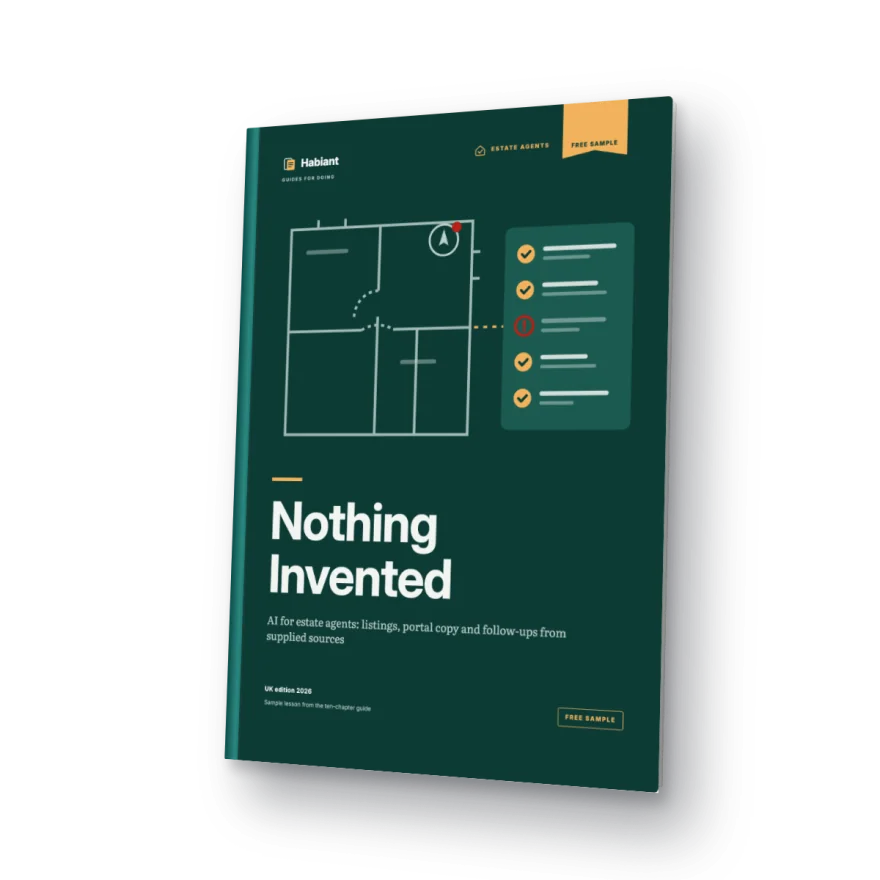
UK editionFor estate agents · Free example
Practise on a fictional property: the fact sheet, the prompt, the resulting description and the checklist that flags any detail without a source.
4 short questions · PDF access by email · No card needed
Every sentence tied to a record
“Private parking included” removed
See the method work
The worked example from the free sample, step by step: sort the evidence, prompt with recorded facts only, catch three tempting inventions and keep every gap visible.
Silent animated illustration of the free sample’s worked example. Fictional property; no real product, vendor, buyer or tool is shown.
A process you can check
Confirmed facts only: floor area, rooms, condition, EPC rating, council tax band. Anything missing is flagged, never guessed.
Portal description, social post and follow-up message, all from the same fact sheet.
A checklist catches unsourced details and claims you can't stand behind. Nothing goes out without your sign-off.
The risk nobody mentions
When a fact is missing, AI fills the gap: floor area, aspect, refurbishments, extras. One wrong detail costs you the trust of the buyer and the vendor, and material information has to be right.
'Deceptively spacious, stylish and close to everything', on repeat. Without a process, AI recycles the clichés buyers already skim past on every portal.
Between viewings, calls and admin, the message after a viewing and the update to your vendor go out late, or not at all.
Inside the example
Open the email link to generate and download your personal PDF.
Get the free sampleWho it's for
What you can put to work
One property fact sheet, one description and the checks that keep unsupported details out.
Use one approved text assistant and the fictional input. No previous AI experience is required; a laptop makes side-by-side checking easier.
How to get your copy
Four short questions and your contact details. Do not include client information.
We will email you a personal link. Clicking it confirms your address and generates your copy.
The link opens a page with a download button. Save the PDF and work through the example at your own pace.
And after that
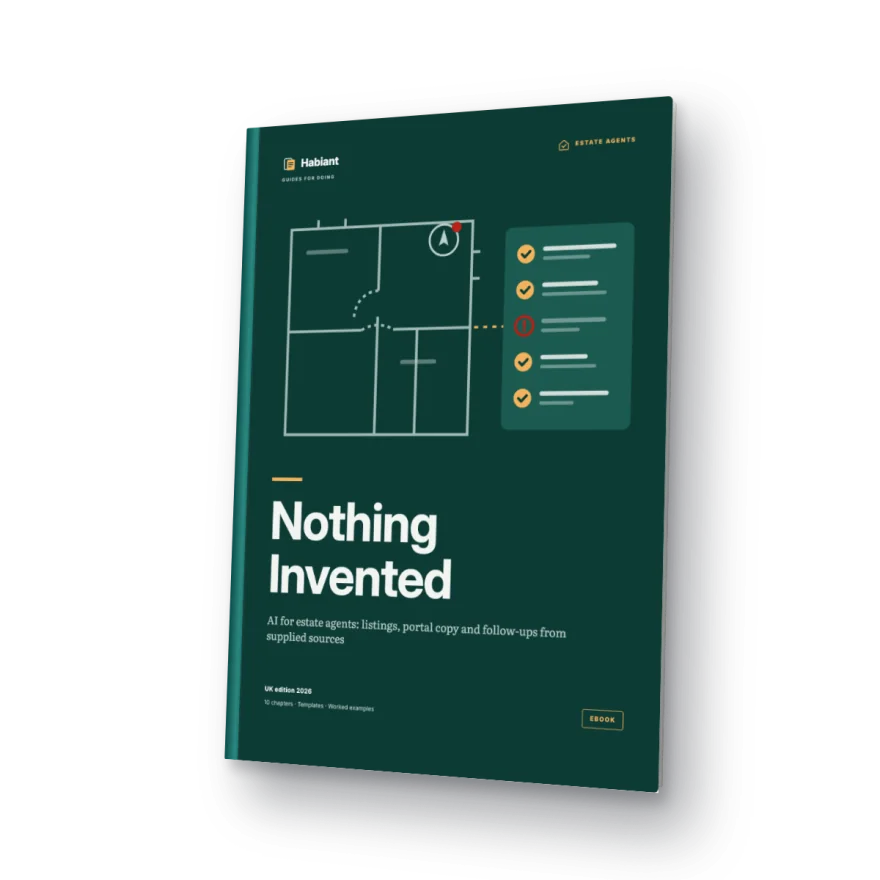
The ebook covers the foundations (platforms, context, skills and agents) plus four property applications: fact sheet and listing; portals, social media and translation; viewing follow-ups and vendor updates; and one complete property from start to finish.
Before you start
Yes. You receive access to a worked example in PDF without paying or entering card details. The full ebook is a separate product.
An email with your personal link. Opening it generates a PDF with the case, instructions and worked solution, which you can then download.
You can start with a small task and compare your output with the worked solution. The instructions guide you step by step.
Requesting the sample does not subscribe you to marketing. We send the message needed to access your PDF.
For estate agents preparing residential sales material in England. This fictional practice case is not a publication checklist for every UK territory or transaction.
Your copy includes the name and email you enter in the form. It is generated when you open the email link.
Check your address and spam folder. You can request another link from your request page after one minute. For help, email hello@habiant.app.
Your next step
Tell us what you do. We will email you the link to generate and download your personal copy.
Your free worked exampleA method you can put to work.
Get the free sample